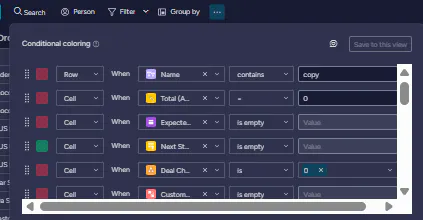
I'm looking for a way to enable conditional coloring (color conditioning) within Widget Mode on our dashboards.
The Challenge:
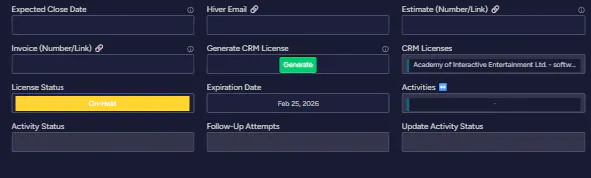
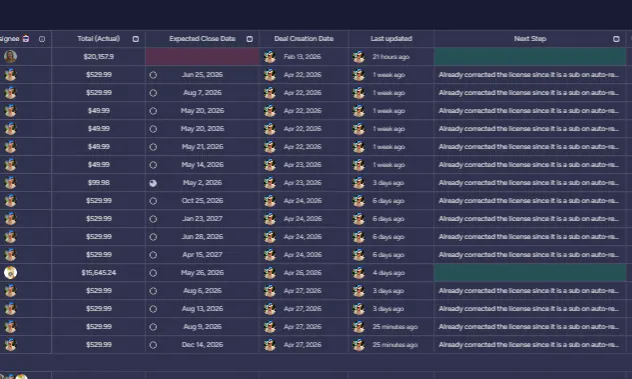
Currently, my team uses widgets for a streamlined view, but they can't see at a glance which columns still need information. To check field requirements, they have to leave the dashboard and go into the main Board view. Because our boards are quite large, this involves a lot of tedious horizontal scrolling, which slows down our workflow.
The Goal:
It would be incredibly helpful to see the status of fields directly within the widget using a simple color-coded system:
Red: Mandatory field (needs data)
Yellow: Conditional requirement (mandatory at a certain stage)
Green: Optional (only mandatory in specific situations)
Here are some visuals for reference:
My Question:
Is there currently a workaround or a specific widget setting that allows for this type of conditional formatting? If not, is this a feature currently on the monday.com roadmap?