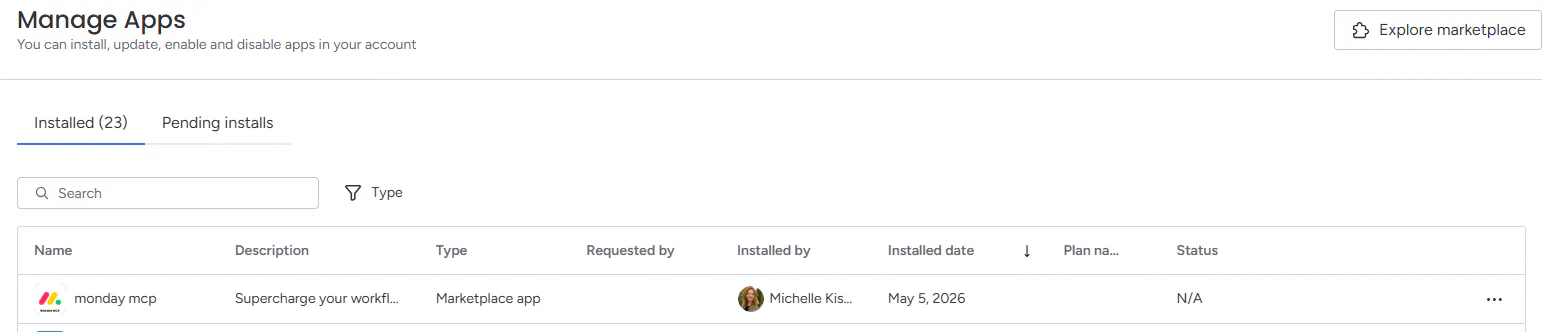
Monday.com MCP Connector in Copilot Studio

Sometime between Monday and Tuesday this week our Monday.com MCP connector stopped working on all of our Copilot Studio agents. Has anyone had any issues with the Monday.com MCP connector? Is this caused by the updates to the Monday.com APIs? How can I troubleshoot this? For context this is what we have already tried:

  • Redid the OAuth on the MCP connections

  • Removed the MCP connections from Power Automate entirely and readded them back

  • Went into Monday.com and uninstalled and reinstalled the MCP connector
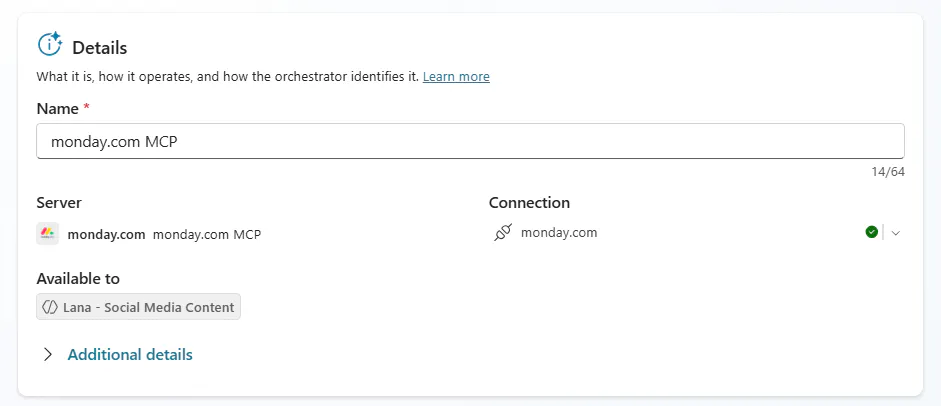
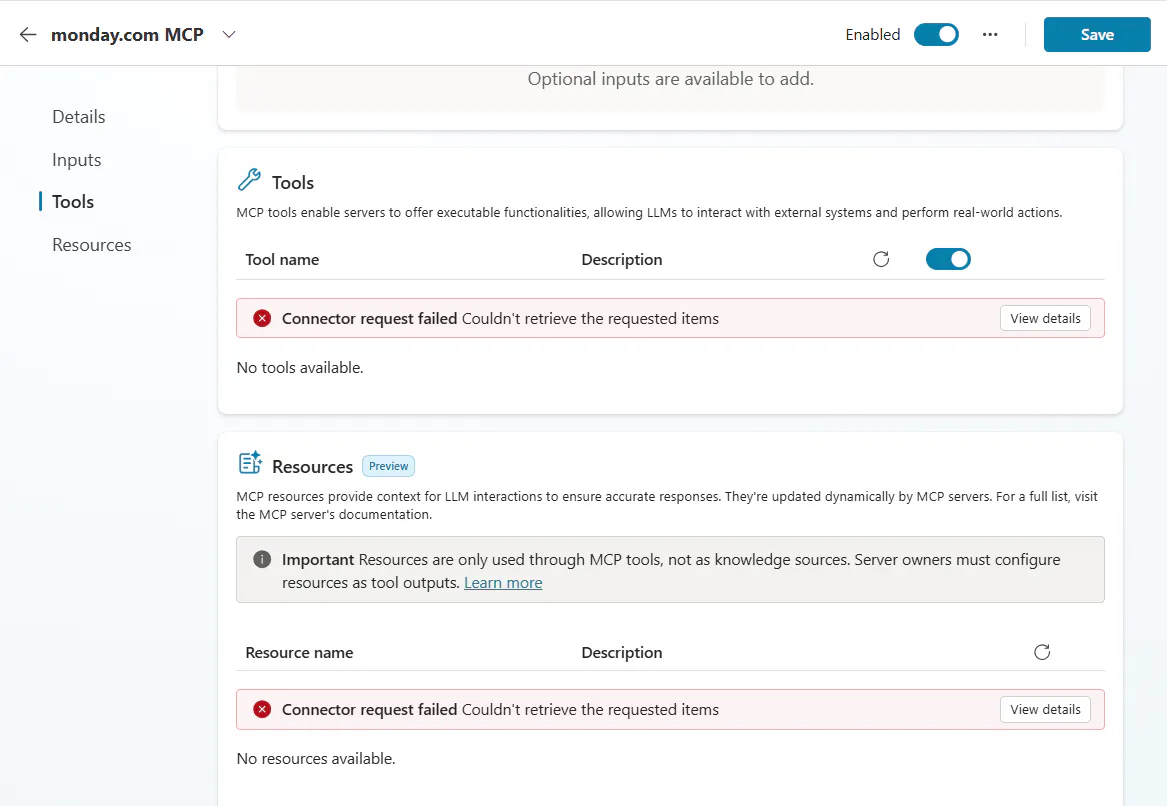
Everytime we still see this error:
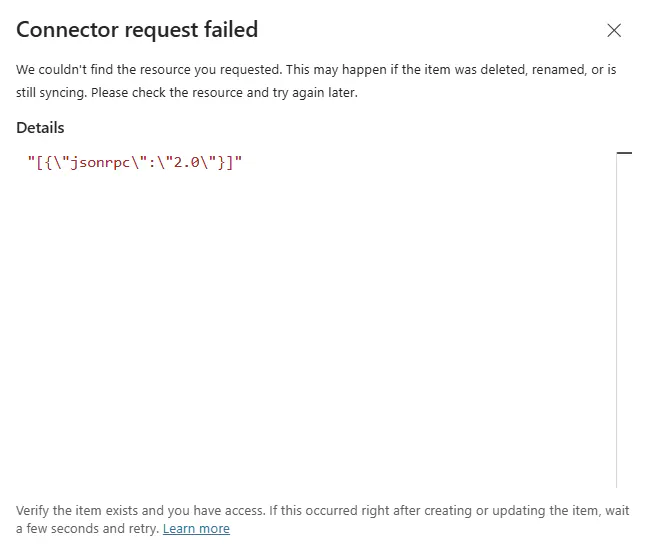
View details says this:
I reached out to Monday.com and they have created a ticket but it could be several days before I get an answer and they said there were no reported issues about this.

Has anyone else had this problem? Any ideas how to solve it?

Best reply by Mia

Hi Michelle! I actually just saw a resolution for this exact issue. It turns out the monday.com engineering team identified a bug caused by a new tool they added recently (create_form_submission).

The tool included a validation rule called exclusiveMinimum that Microsoft Copilot Studio doesn't currently support, which was triggering that SystemError and blocking all your tools from loading.

The Good News: They have already deployed a patch to fix the schema! To get things running again, you should just need to:
- Refresh your Copilot Studio session.
- Re-initialize (or reconnect) your monday.com MCP server connection.

Others have confirmed this fixed the issue and the tools are loading correctly now. Hope this helps you get back on track! ☺️

View original
1 reply