Hi all,
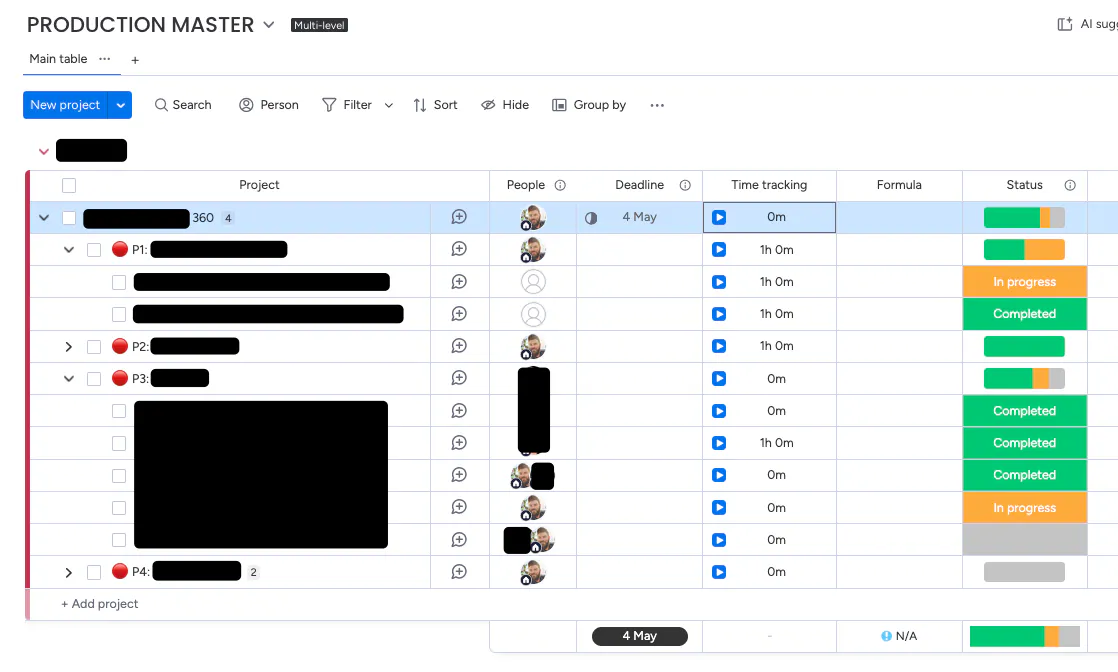
I'm still fairly new to Monday. I've just set up a multi-level board, and I'm dismayed to find that the "summarise subitems" option we'd have on a normal board doesn't exist on multi-level boards.
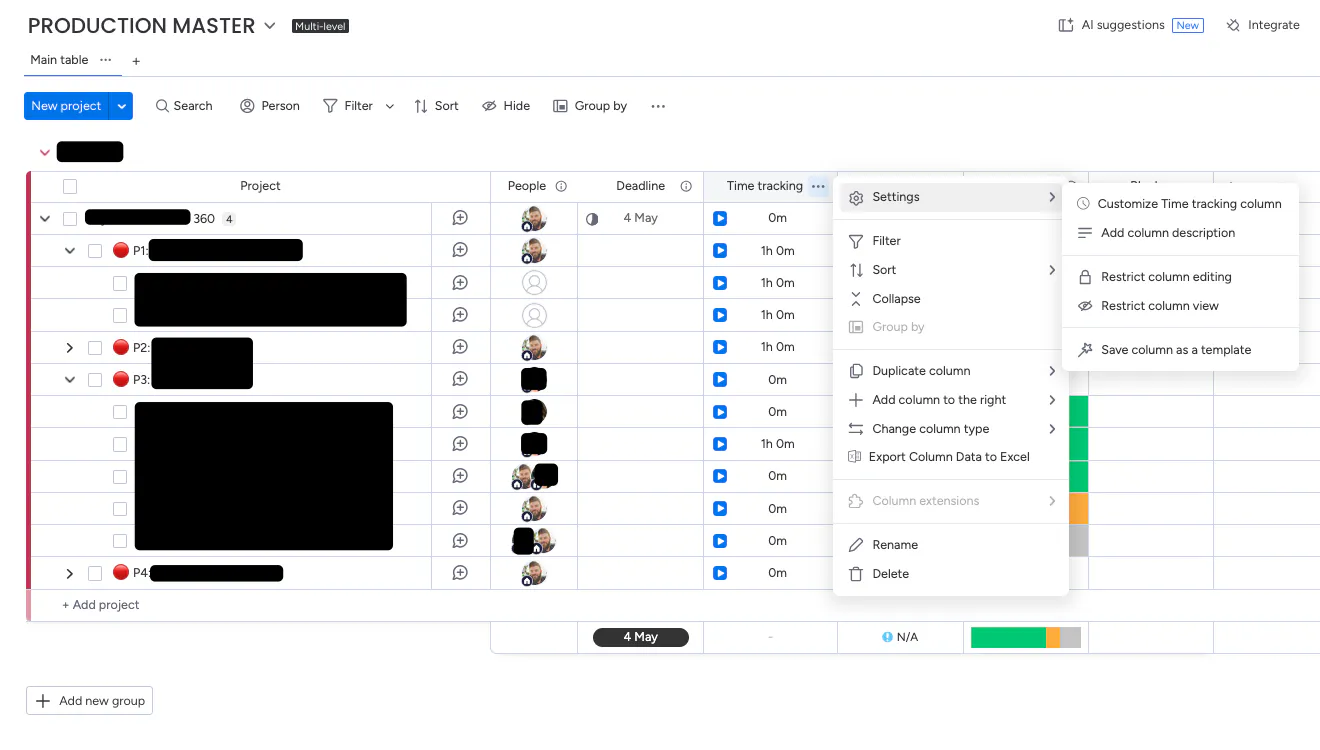
On a normal board, we'd usually open the settings of the time-tracking column in an item's subitems and by selecting the summarise setting, get ourselves a new column: subitems time tracking.
Of course, multi-level boards don't have unique columns for subitems, which means the only column settings menu is on the 'parent' item, and it doesn't offer the summarise setting.
Now, I'm trying not to snarkily say "because that would be too bloody convenient wouldn't it", but I suppose I've failed.
So, can anybody please tell me how I can get a time-tracking summary, or 'rollup' if you will, of all the subitems in an item?
Thank you.