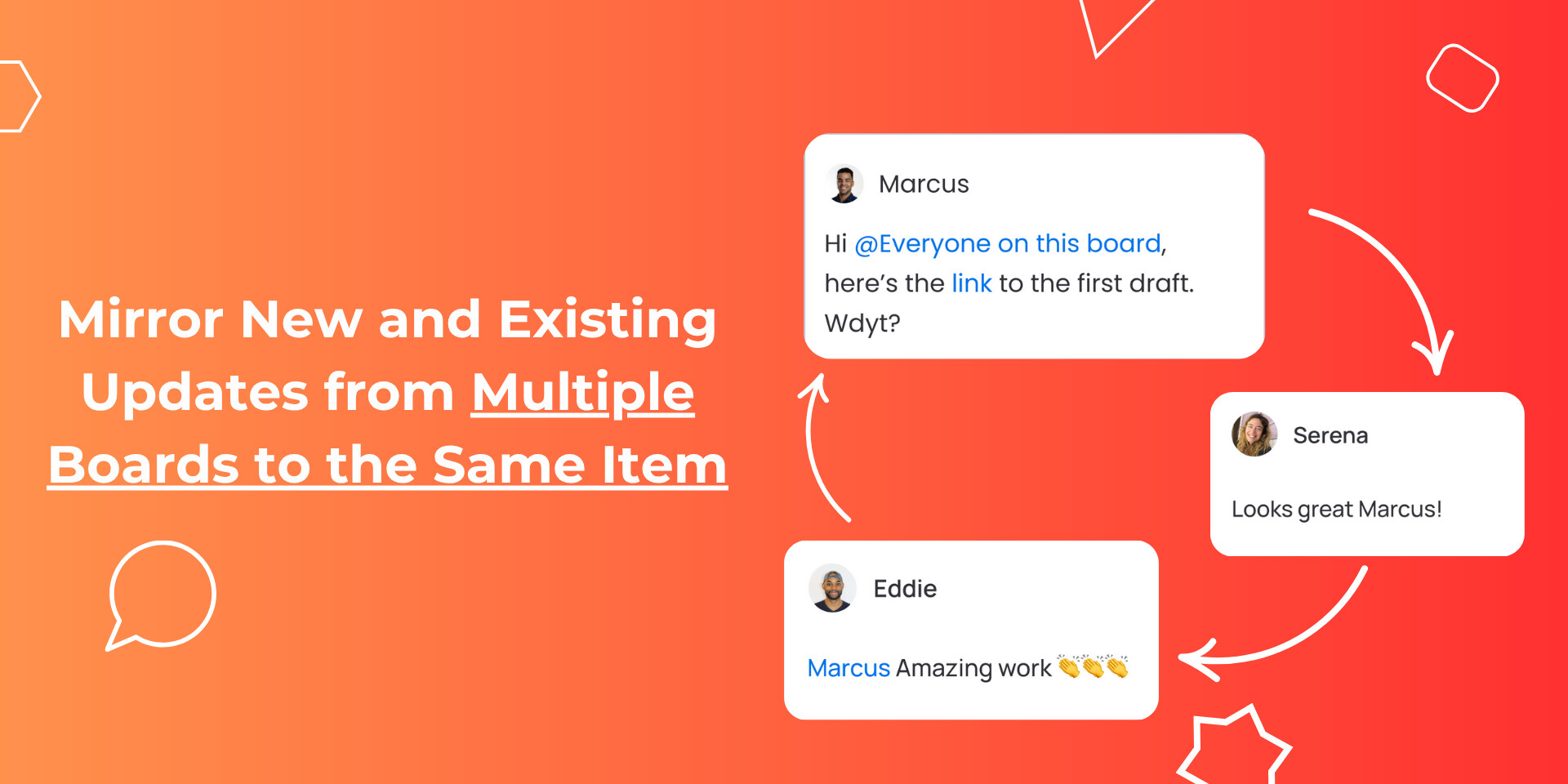
I want to create automation which should work like this: when on “BOARD 1” I will create Item this Item would be mirrored/synced to the “BOARD 2” and all updates that some user will make inside this Item on BOARD 2 will be visible on BOARD 1 in the same item too.
I already tested “Connect boards” and “Mirror” features but these features are only usefull for columns (cells), they don’t show change inside Item (updates).
You should check out the conversations app on the marketplace, developed by Omnitas one of our platinum partners. Its a fantastic app and i have used it to sync updates across linked items in multiple implementations, it works very well.
hellotimi
(David Kalu (Formula Pro - Use formula column results in automations!))
6
Hi all,
We recently published a detailed guide showing how to resolve this issue. The guide shows how to sync updates between high level board items and several connected child board items, without the need to duplicate your items across multiple boards.
So when an update is posted on the high level board item, it is propagated down to all the connected child board items updates and when an update is posted on the child board, it is sent to the high level board connected items’ updates.
That way, the high level board item aggregates the updates from the child board items and the child board items can view updates from the high level board items.