I have been looking at smart spreadsheets and trying to understand if its possible to extract calcs from certain cells into our monday boards.
Example:
We have a cost calculation sheet.
You enter the cost of a job and the VAT rate
You then select how many payments will be made
The sheet then generates how much is due at each payment stage inc VAT and any other fees. This is shown as each amount due in a different cell e.g.
Payment 1 - £550
Payment 2- £1000
Payment 3 - £600
Is there a way to only extract those values into our board and not include any of the calc details? Can I use my own current format as below? I work with an older team and change isn’t always the best. FYI, we populate the white cells and the calcs are formulated in the blue cells.
How to do it while keeping your current sheet layout:
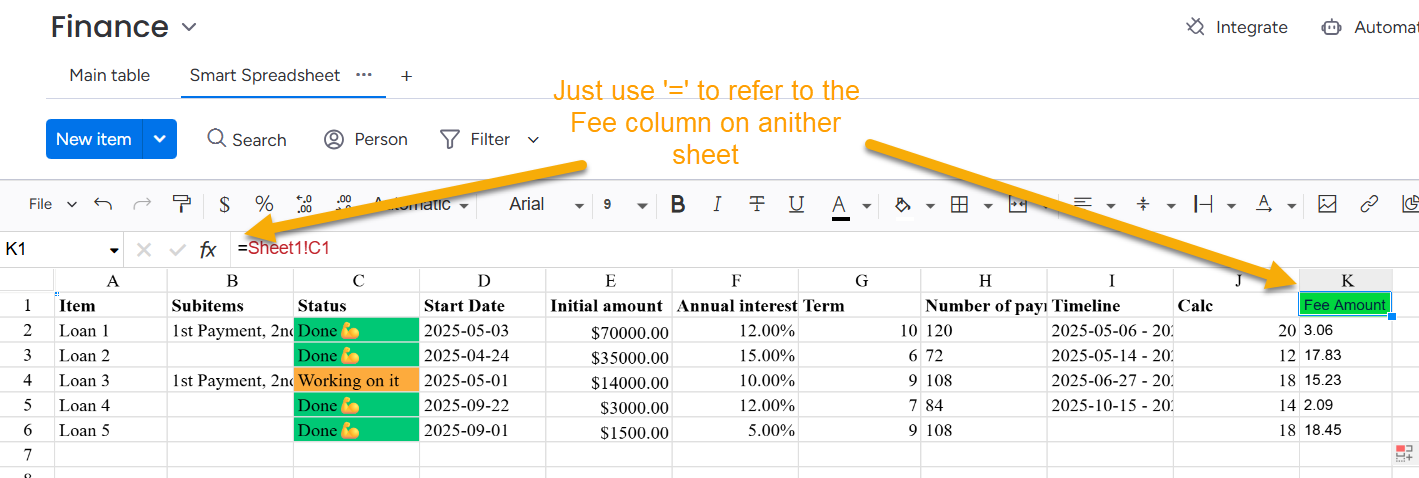
In your Smart Spreadsheet, create a tiny “Export” section that simply references your blue calc cells (e.g., Payment 1, 2, 3). This keeps your white/blue workflow unchanged.
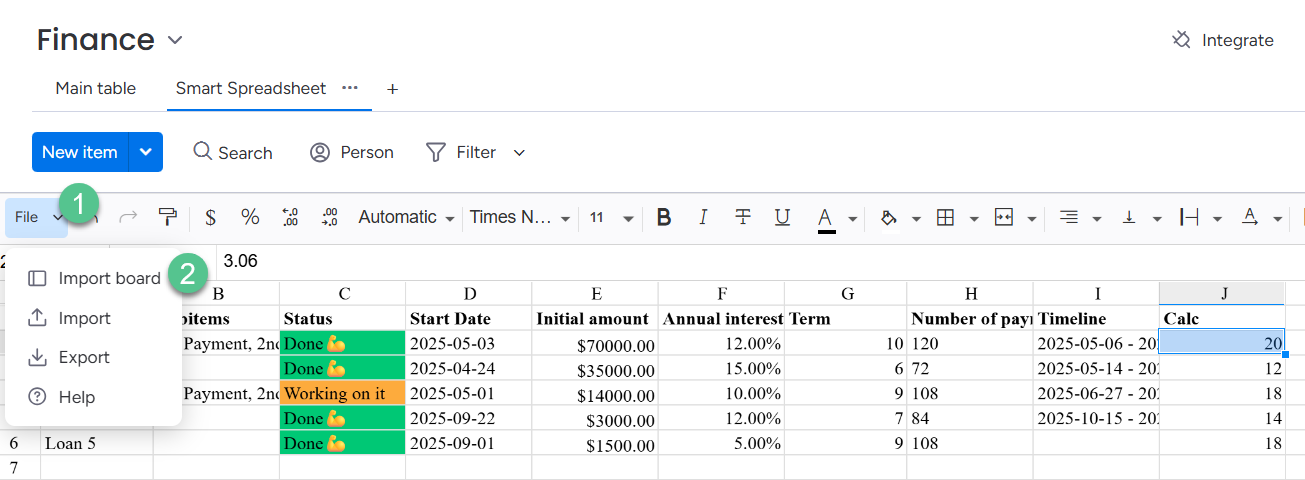
Select that export range and use Connect/Sync to board (if available in your account) to map each value to Number columns on your monday board (set currency to GBP). Only those values will appear on the board—no formulas or other sheet details.
If you don’t see the Connect/Sync option yet, use an integration:
Google Sheets integration (if you move the sheet there): map specific columns to board columns.
A company called Make to do the monday API: read those specific cells and update your board columns.
Notes:
Boards can’t pull a single arbitrary cell; place the outputs in a dedicated row/range for syncing.
If payment count varies, either create three fixed “Payment 1/2/3” number columns on the board, or sync an “Export” table with one row per payment.
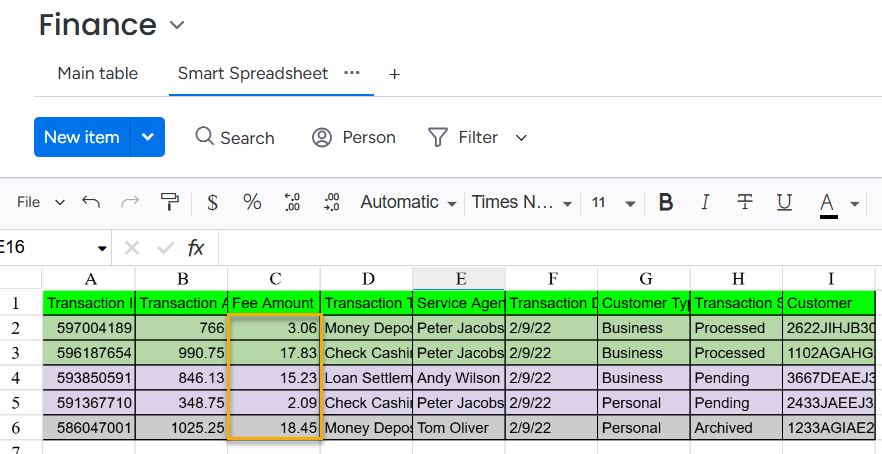
I’ve tried to primitively reproduce your case. For example, it’s your sheet where you make calculations. The Fee amount is a calculated value, and you want to add it to the board.
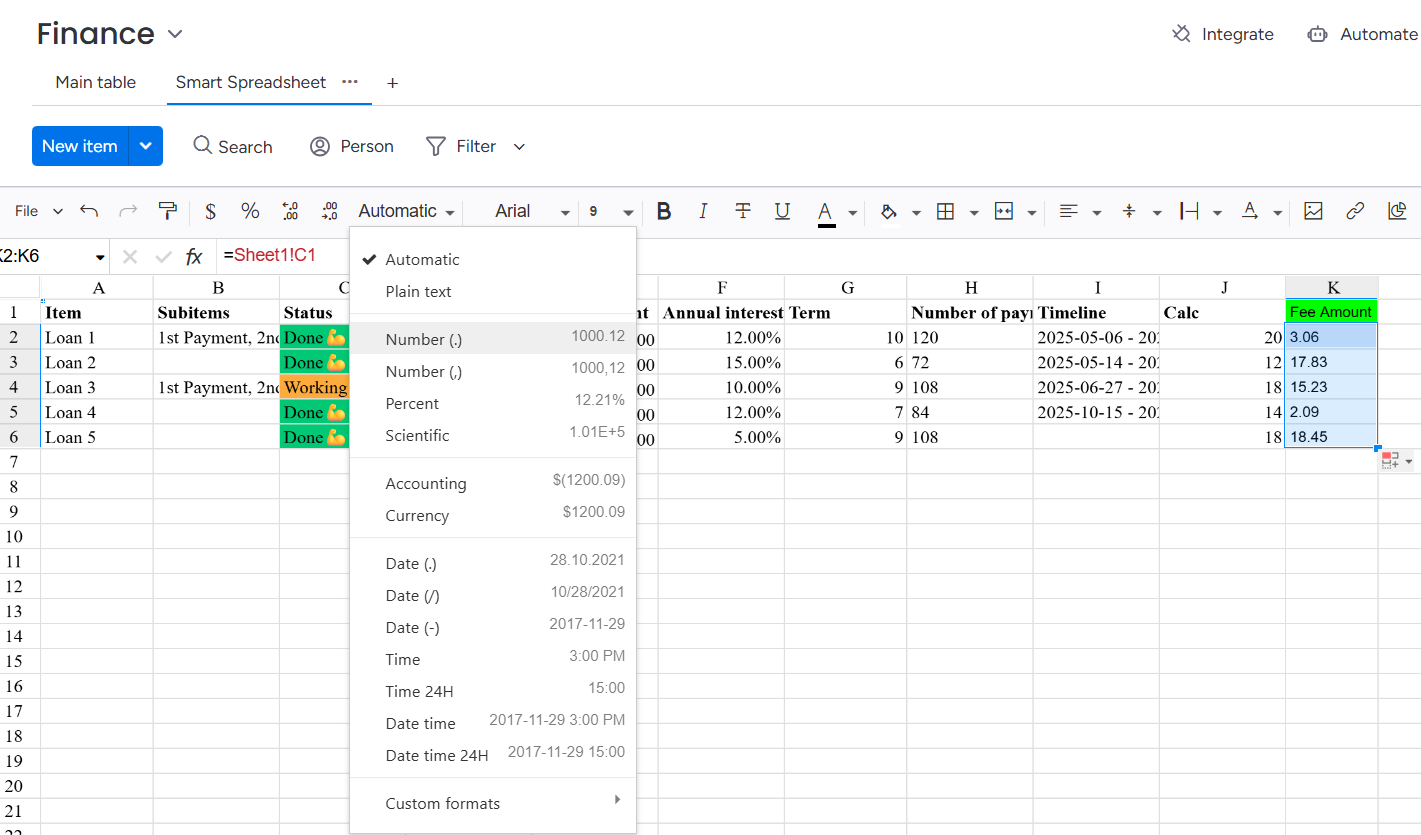
Right-click the name letter of the Fee Amount column and Select the last option in the drop-down menu Bound column to board. Add a name to the new column on a board