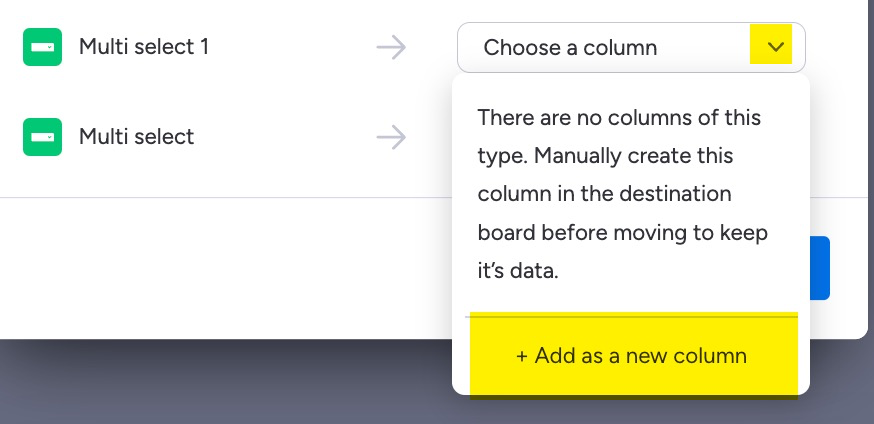
I recently created a new board from scratch, as we were changing how we were intaking work via our request form. While preparing to move data, I map all the columns to the new board. But after doing a trial move, with a duplicate item, seemingly all single select questions are left blank while all (4) of my single selects are missing there answers. Some have new answers, but one of my columns has duplicate answers.
Is there anything that may possibly be causing a bug? Do duplicated items lose some form of raw data that would cause this?
What column type is the column where you’re having issues? Is the column type the same on both boards?
You might also try using an automation instead of the ‘move’ option? Ie add in a column to trigger the move. Then set automation to ‘when status changes to x, move item to board’ and try mapping them that way. I find it’s easier and a bit cleaner.
Hi Brian, you said you created a board from scratch, so I’m wondering if the new status fields aren’t exactly setup like the original. Meaning, the order, color, etc. has to match for the values to come over evenly.
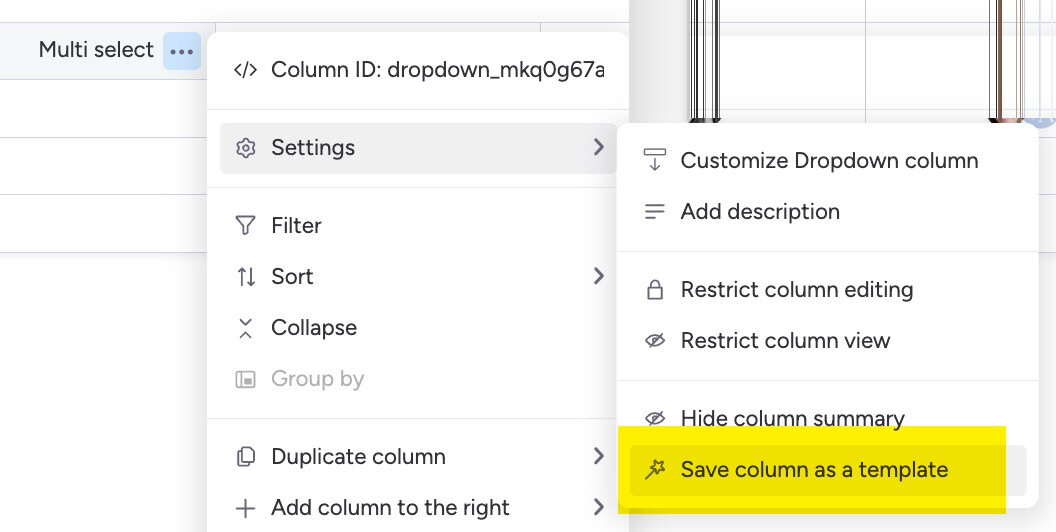
You can either create a template of your original field then add it to your new board